ncdu
ncdu is a well-known command for examining which files and directories are taking up the most space on your system.
Usage
Navigate to the directory you're interested in, and type:
ncdu
Be patient as it needs to scan all of the files and directories recursively from your current working directory. Eventually, it will open up a pretty list of these files sorted so that the largest file/directory is at the top (see screenshot below). To navigate these files, use the arrow keys. Press Enter to go inside a directory. Press ? for more help.
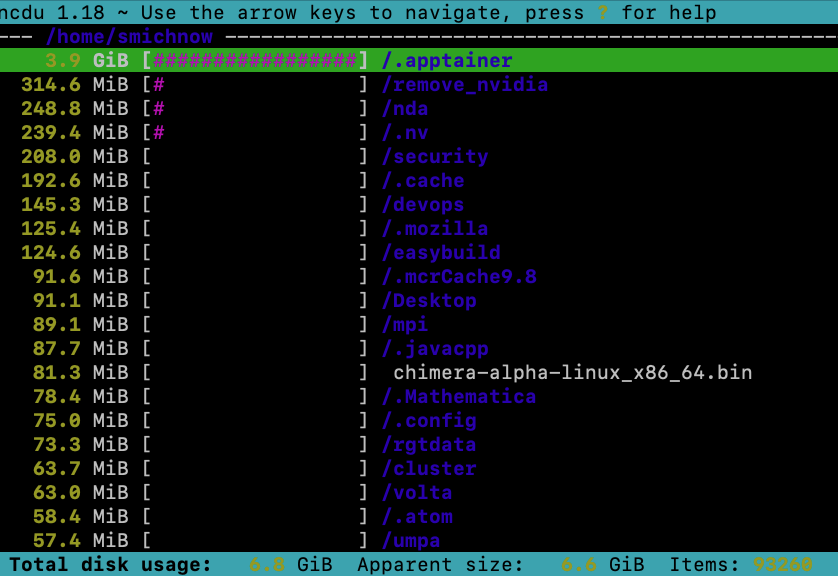
You can also specify a path when using ncdu if you want to analyse somewhere other than your current working directory.
ncdu /projects/nq46